Uploading and Suppressing Hash Files
Last updated: April 1, 2026
Hash File Suppression allows you to upload a file of hashed phone numbers into Switchboard and use it to suppress matching contacts from phone audiences.
How to Upload a Hash File into your account
Complete the following steps to upload a hash file into your Switchboard account:
Settings > Organization Settings > Hashed Files
Upload your .csv of hashed phone numbers. NOTE: The .csv file should only contain one hashed phone number per row - files with multiple columns will be rejected.
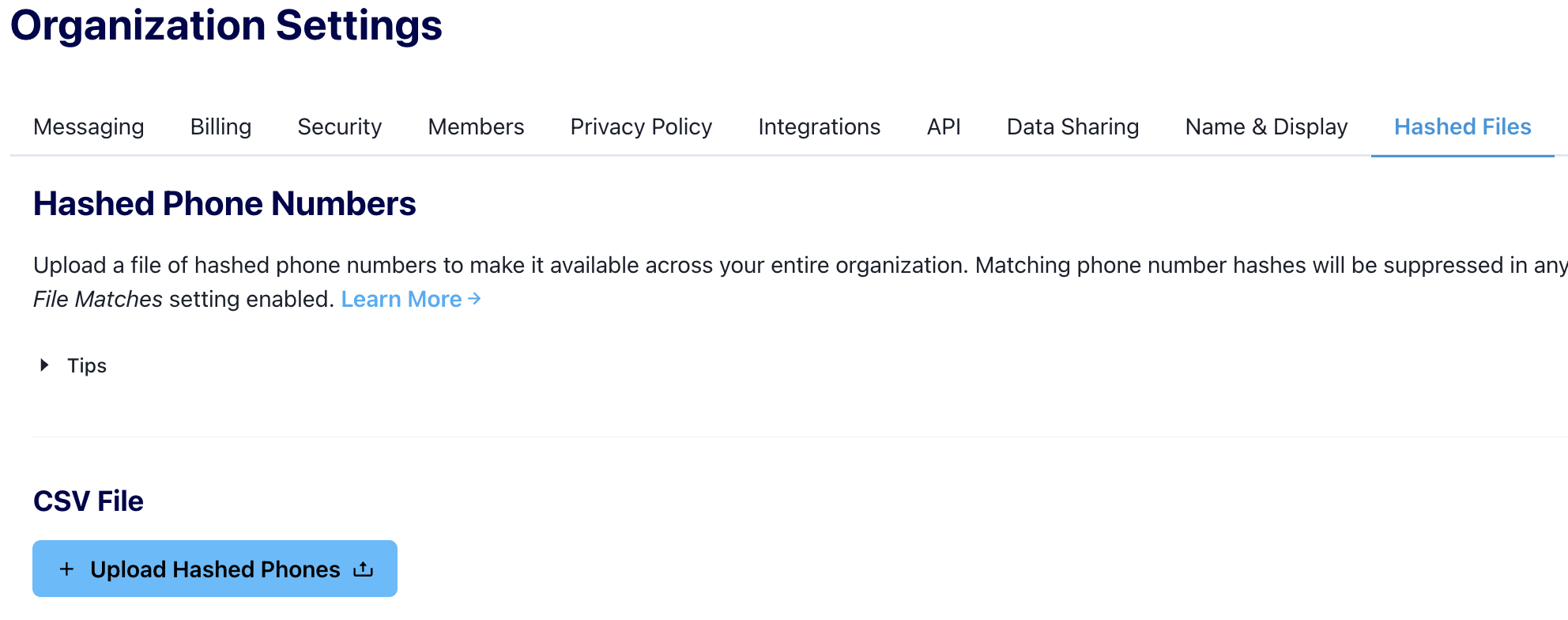
Once your file has been processed, it will show as
COMPLETED.
How to Suppress Hashed Phone Numbers from a Text Broadcast
One your hash file has been uploaded into your account, you are now able to suppress matching phone numbers in the Audience Builder.
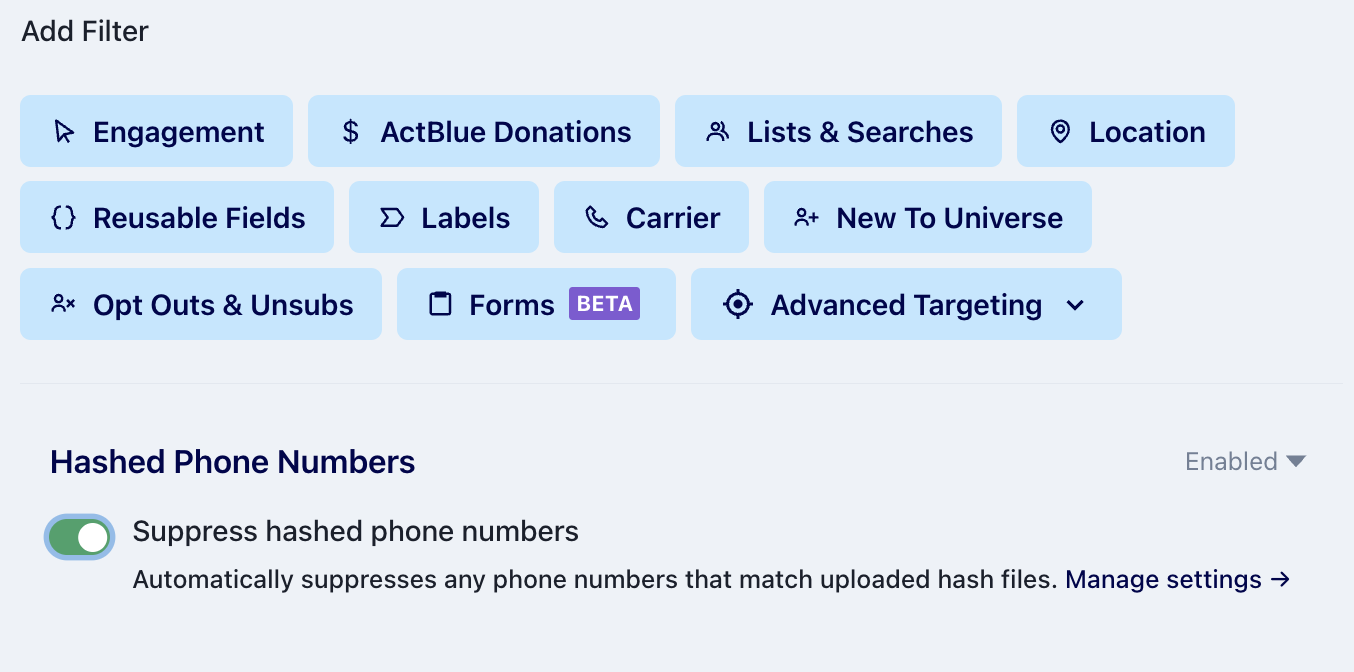
After building your phone audience in the audience builder, toggle the suppress hashed phone numbers to "on" under Hashed Phone Numbers.
This will automatically suppress any phone numbers from your audience that match your uploaded hash file.
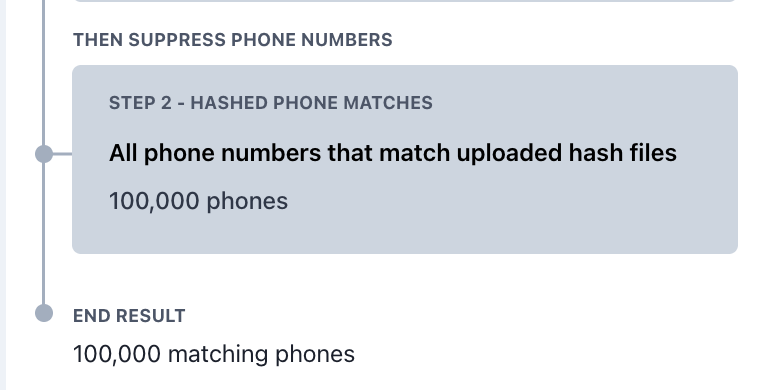
You can check how many numbers were suppressed in the Audience Preview panel under Hashed Phone Matches
How to Replace a Hash File
Only one hash file can be active in a Switchboard organization at a time. To replace the current hash file:
Settings > Organization Settings
Hashed Files > Replace Hashed Phones
Upload the replacement hash file!