Threads Activity
Last updated: September 18, 2025
Threads Activity gives Inbox Admins visibility into all actions taken by Inbox Users. This makes it easier to:
Conduct quality control reviews
Ensure volunteers follow scripts
Honor opt-out requests
How to Access
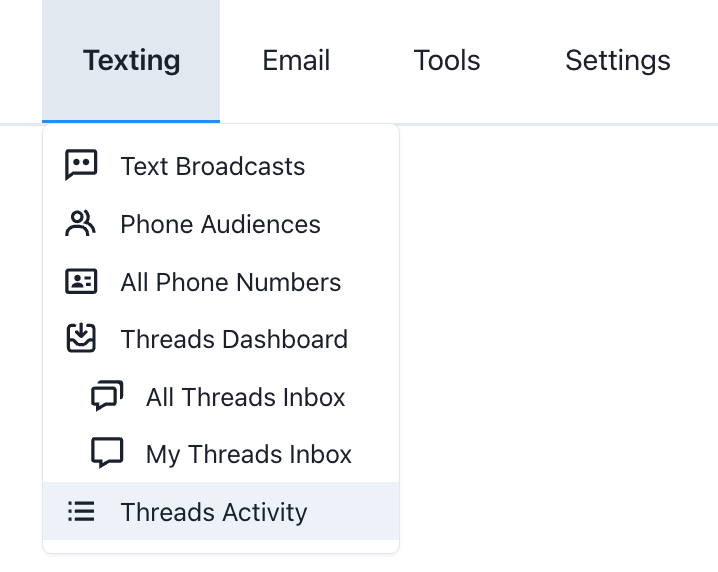
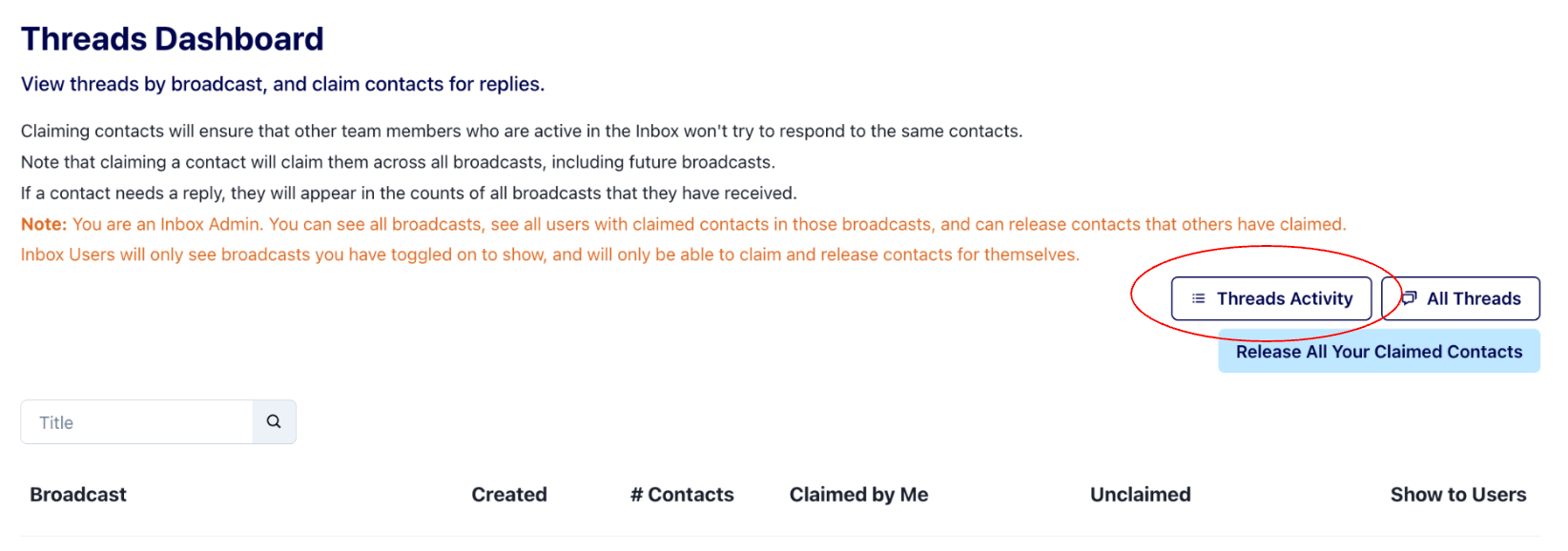
Inbox Admins can access this via the Texting dropdown menu or directly from the Threads Dashboard.
How to Use
Inbox Admins can apply filters to review user activities for specific broadcasts, actions or within certain time frames.
Inbox Admins can also review cumulative activities for inbox users on the User Summaries tab. The columns can be sorted by clicking on the column headers.
Note that filters apply to both the Threads Activity and User Summaries. You may want to clear filters before viewing User Summaries to ensure you are seeing cumulative totals
Example Use Cases
QA Opt-Outs
Apply the Action Type filter to “opt outs”
Use date filters to check on known high-volume days
Consider adding additional custom opt outs to reduce manual work needed
Message & Script Adherence
Filter by broadcast to confirm users sent approved scripts
Spot-check volunteer activity to ensure responses match campaign guidance
Volunteer Performance Review
Use User Summaries to see how many conversations each volunteer handled
Sort by message volume or replies to identify top contributors or those needing coaching