Forms Filter in Audience Builder
Last updated: January 20, 2026
The Forms filter allows you to find phone numbers and email addresses that have been submitted as a part of responses to particular forms.

If using Switchboard Forms to collect responses, you can filter for individuals who filled out an Email field or Phone Number field on a specific form. You can also choose to select the full audience of phone numbers or email addresses who have submitted any Switchboard form.
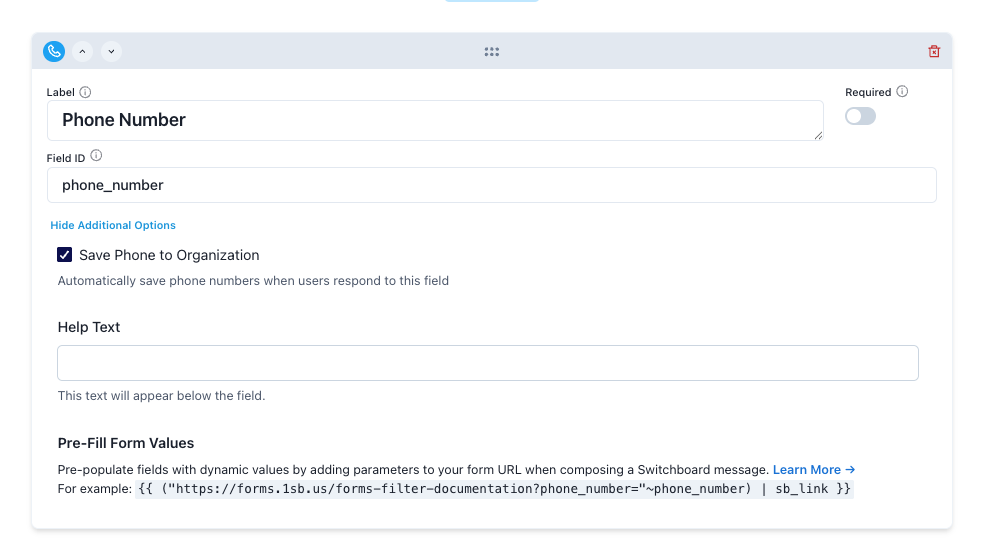
Ensure that the "Save Phone to Organization" or "Save Email to Organization" checkbox is checked (it will be on by default).
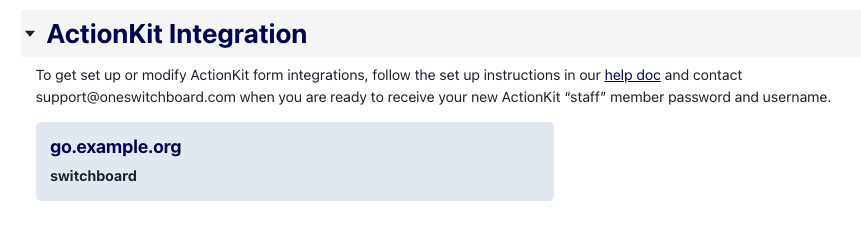
If you have connected ActionKit forms, you will be able to select the full audience of phones or emails that were submitted on ActionKit on any form. However, filtering by the specific form the user filled out is not supported.